

Links & More Information
Thanks for saying yes! I’m excited to have you on the show. This page will guide you through everything you need to know to be prepared and ready to go on our Riverside.fm recording — no tech stress, no surprises.
[wonderplugin_cond browserinclude=”Chrome,Edge”]
Your Browser is compatible! We’re good to go!
Join the Video Studio with Shane Hewitt
Chrome is the preferred connection.
If you’re looking to use the APP version, copy/paste this link into the Riverside APP
https://riverside.fm/studio/shane-hewitt-and-the-nightshift?t=57d9e970810eefe25726
[/wonderplugin_cond]
[wonderplugin_cond browserexclude=”Chrome,Edge”]
Your Browser is NOT compatible!
Please use Chrome or Edge Browsers. Links are below
APP Users: Copy this link to use inside the mobile or Mac app
https://riverside.fm/studio/shane-hewitt-and-the-nightshift?t=57d9e970810eefe25726
[/wonderplugin_cond]
Computer via Web Browser
Use Google Chrome (preferred) or Microsoft Edge. Other browsers will not work.
Download Chrome here: https://www.google.com/chrome/
Computer via Riverside App (Chrome is preferred vs the APP)
Riverside offers a Mac App for Mac users here: https://riverside.fm/mac-app
Mobile Device via Riverside App
Riverside offers an iOS App for Apple Users, and an Android App for Android users here: https://riverside.fm/mobile
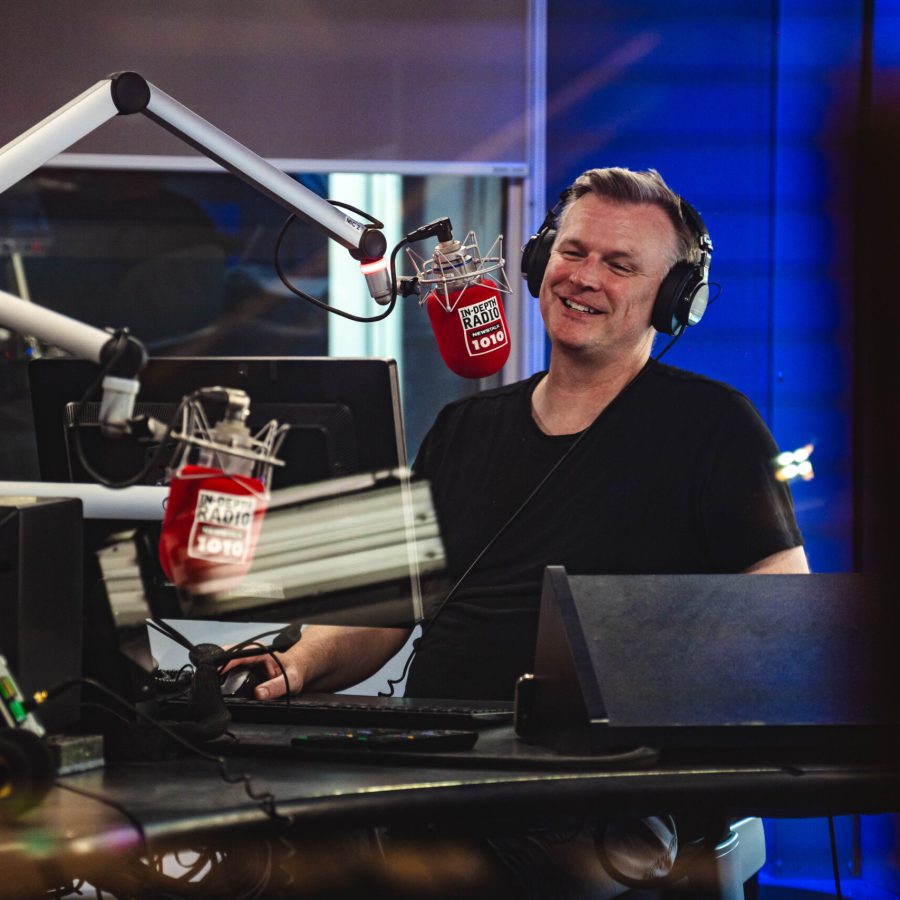
Be Authentic: What You Need to Know
This is a casual show. We might laugh; we might be serious
Video is ON and RECORDED
Shareable clips may be available after the session
Yes, it is national radio radio and podcast.
Across Canada – List of Radio Stations You'll Be On
First time?
If this is your first time using Riverside, please check your connection and setup in advance. This is quick and easy, any time you’d like. Simply visit this link: https://riverside.fm/mic-test
Computers vs Mobile
Computer (laptop or desktop computer) is preferred. Smart phones also work, if you can place them in a fashion that avoids wobbly holding, and bumping for accidental extra noise.
After the Recording
WAIT! You’ll see an upload meter when we finish recording. Your device is uploading the video. You don’t need to do anything. Riverside automatically uploads your recording when we finish.
If for any reason you do accidentally leave the app, just re-open it. And if you’re on a browser, if you leave before the upload is complete, no worries! Just re-open the same browser and go to this link https://riverside.fm/upload and the upload will automatically finish.
Social clips may be available for sharing, upon request. All clips must tag @iamshanehewitt
Podcast link/embed is available from our iHeart Podcast system. Visit our podcast for shareable links here: Shane Hewitt & the Nightshift Podcast
our Team
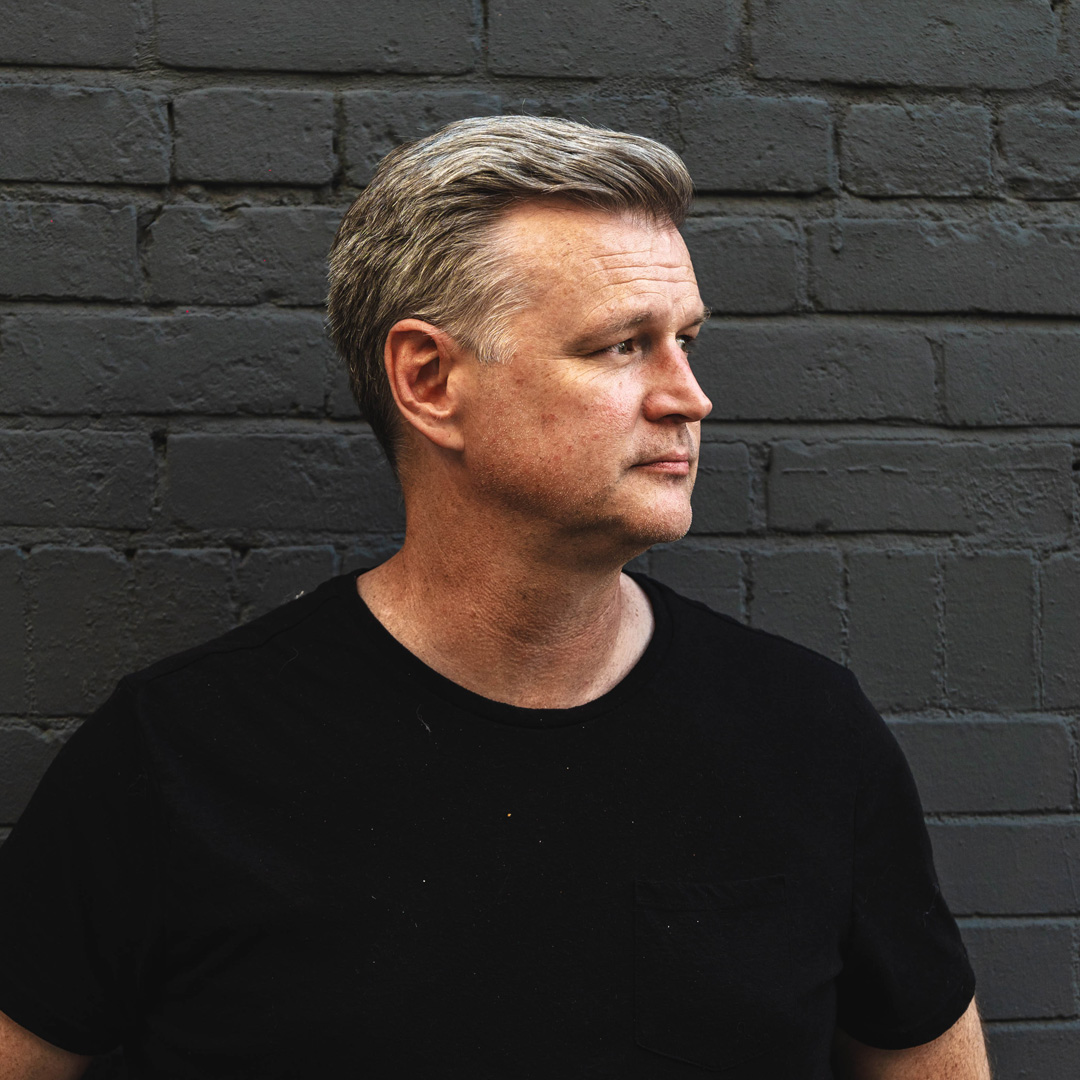
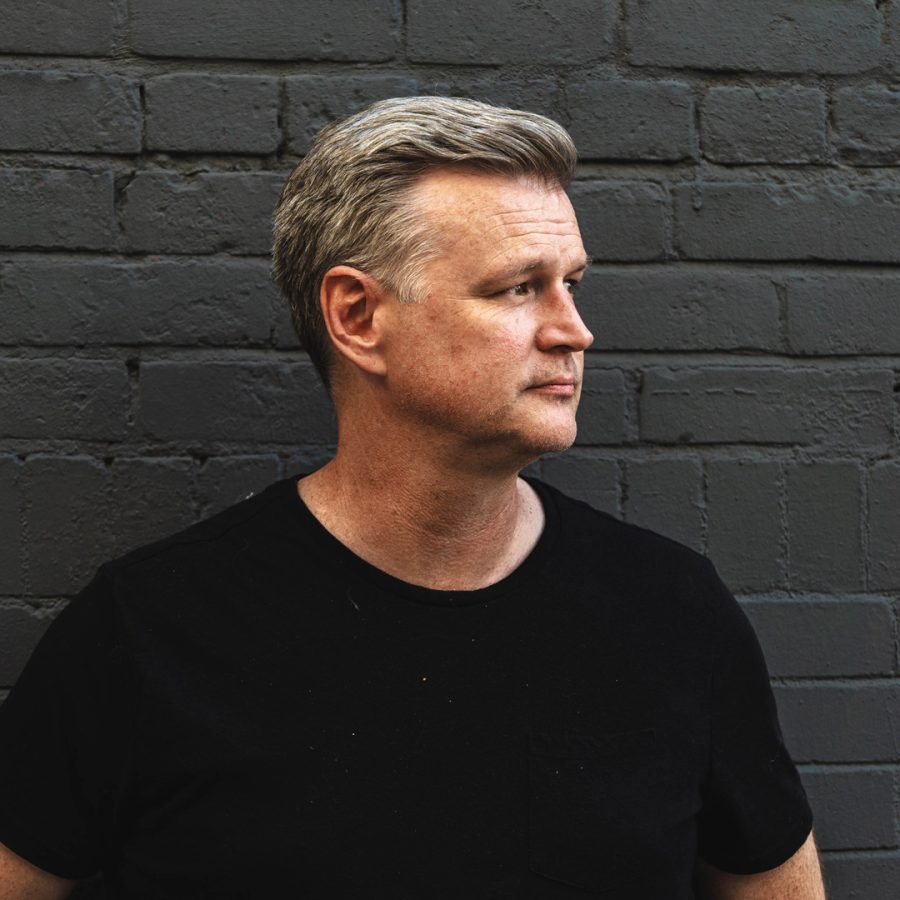
Shane Hewitt
Host

Tony Tedesco
Content Producer
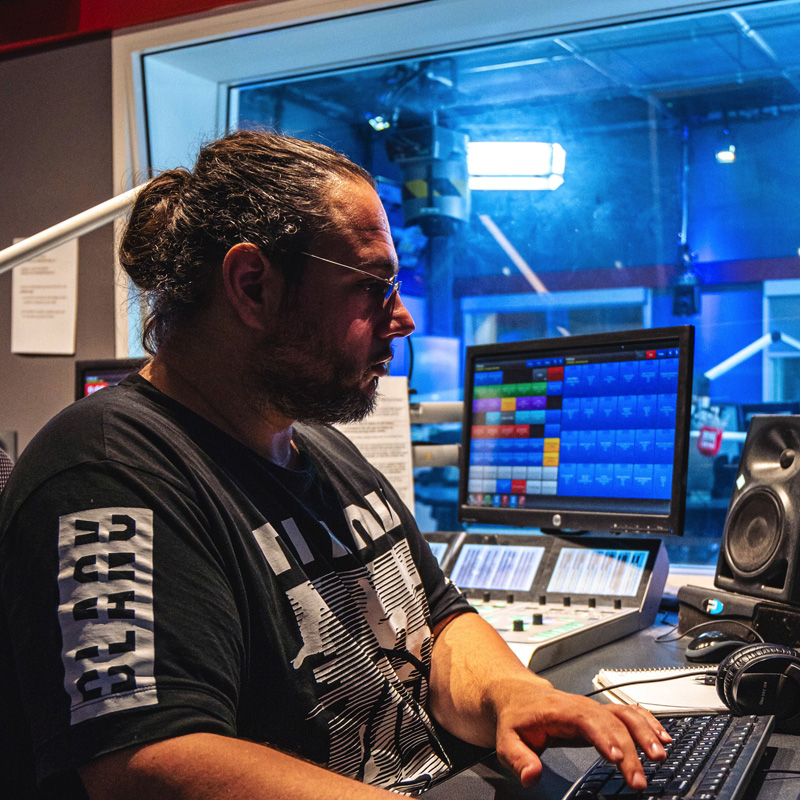
Noah Scanga
Technical Producer

Ryan O’Donnell
Inside Copy